
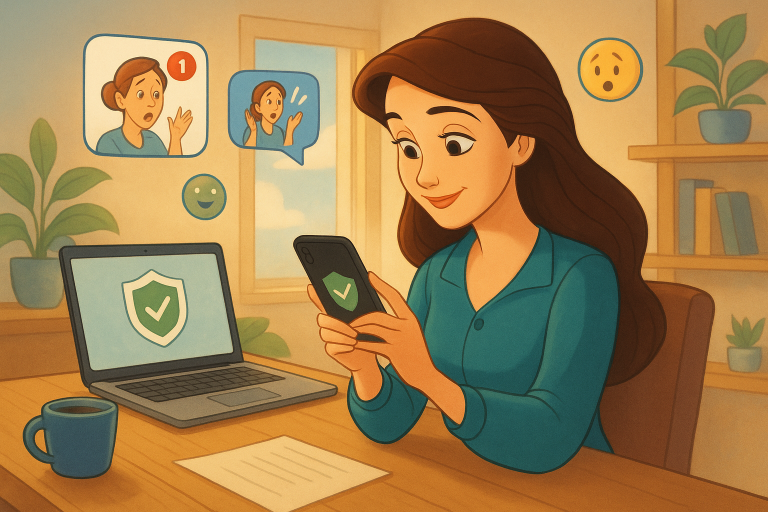
Last week, I searched for a cozy blue sweater online. Within minutes, my Facebook feed was bursting with ads for knitwear. It felt like someone was watching. If you’ve ever had a similar experience, you’re not alone—and like me, you might be wondering: How do I protect my online privacy as a beginner? Here’s how I walked through a typical digital scenario and boosted my online privacy protection, step by step.
Step 1: Realizing I Was Being Tracked
My first clue came when the sweater ads followed me across different apps. I learned that websites often use trackers and cookies to collect my browsing habits. They bundle that info to show me targeted ads. Harmless? Maybe. Creepy? Definitely.
Step 2: Switching to a Privacy-First Browser
I replaced my default browser with one focused on privacy, like Brave or Firefox with enhanced tracking protection. These browsers block many trackers automatically—a quick win for my privacy.
Step 3: Installing Privacy Extensions
Next, I installed a few helpful tools: HTTPS Everywhere, which secures connections, and Privacy Badger, which stops invisible trackers. It felt geeky at first, but both were user-friendly and made me feel safer instantly.
Step 4: Tightening My Social Media Settings
I went into my social media profiles and tweaked the privacy settings. That meant limiting what others could see—and what data platforms could collect about me. No more “public” posts by accident!
Step 5: Saying Goodbye to Autofill
Autofill forms? Handy, but risky. I disabled this feature in my settings so browsers wouldn’t automatically store or share sensitive data like my home address or credit card info.
Step 6: Creating a Safer Digital Identity
I started using a password manager to create unique passwords for each account. Plus, I began exploring masked email services to manage logins without sharing my real address. It was easier than I thought—and VIP Safety First has some great resources to help guide you through this too.
Online privacy protection doesn’t have to be overwhelming. With small changes, you can begin to reclaim your digital space—just like I did.
It all started with a sweater ad, but it led me to take control of my online life. If you’re curious too, there’s no better time than now to take that first step. Get started today—your future (private) self will thank you.