
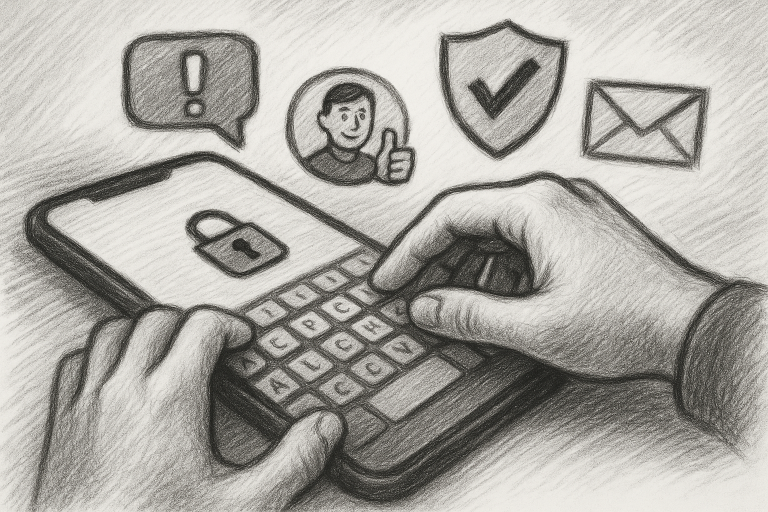
As someone who juggles multiple apps for work, travel, and social life, I’ve learned the hard way that online safety can’t be an afterthought. There was a time when I used my personal phone number for everything — and that led to more spam, privacy breaches, and digital distractions than I care to admit. Through that experience, I’ve picked up a few productivity hacks that not only keep me safer online but also help me get more done.
1. Use a Virtual Number to Protect Your Phone Number Online
This is my non-negotiable rule. Whether I’m signing up for a new app, creating a profile, or listing something online, I use a virtual number. It’s the best way to protect your phone number online and keep junk calls and phishing texts at bay. Plus, it separates work from personal life, which is a huge mental energy saver.
2. Turn Off App Notifications (Except for Essentials)
Nothing kills your flow like constant buzzing. I went into my settings and customized notifications so only critical apps—like calendar alerts and two-factor authentication—can interrupt me. Now, I focus deeply without the digital noise.
3. Automate Logins with a Password Manager
Remembering every login detail is a drag. I started using a password manager to generate and store strong, unique passwords. It’s a one-time setup that’s paid off every single day by giving me safe, seamless access across all my apps.
4. Use Focus Mode During Work Blocks
Your phone has productivity tools built right in—use them! I started blocking social media and shopping apps during work hours using Focus Mode. It’s like giving your brain a quiet room to think in. Total life-changer for taming digital distraction.
5. Double Up on Two-Factor Authentication
Two-factor authentication used to feel like a hassle, but adding that extra step gave me peace of mind. Use an authenticator app instead of SMS when possible—it’s more secure and less tied to your real number.
Learning to stay safe and productive online doesn’t have to be overwhelming. Each of these tips helped me feel more in control of my time and digital footprint. Try even one, and you’ll notice the difference.
Ready to take back your time and protect your privacy? Get started today with the simple step to protect your phone number online—and build from there.