
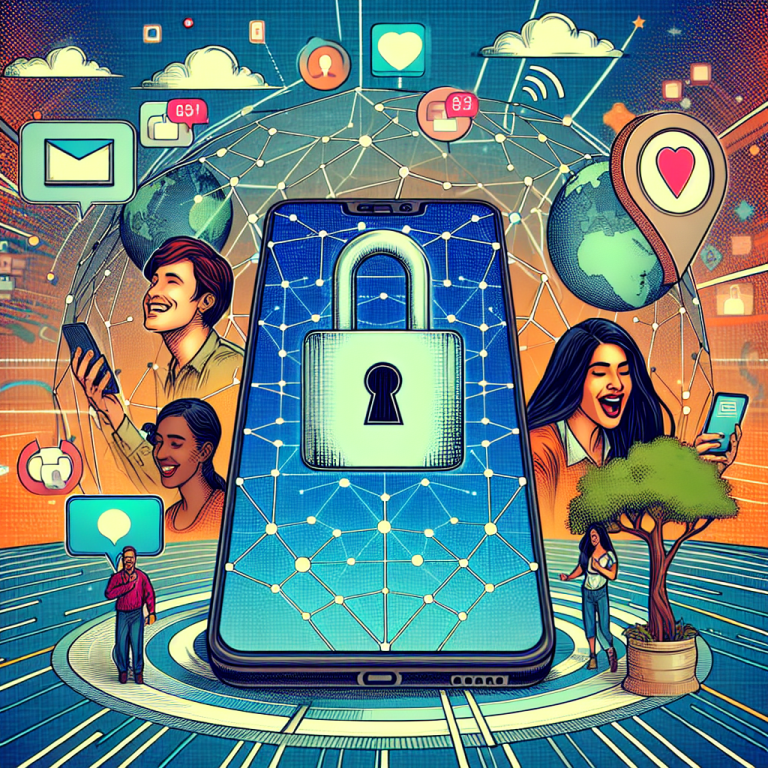
Being a digital nomad is a dream come true for many—working from anywhere, exploring new cultures, and embracing true freedom. But with freedom comes responsibility, especially when it comes to digital safety. One of the most overlooked vulnerabilities? Our personal phone numbers. Whether you’re managing client communications, signing up for services across the globe, or working out of cafés with open Wi-Fi, keeping your personal number private is not just smart—it’s essential.
1. Understand Why Your Personal Number Is a Target
When I first began my life as a digital nomad, I didn’t think twice about sharing my personal number. It was just easier that way. But then came the spam calls, strange texts from unknown numbers, and even a phishing attempt disguised as a delivery notification. That’s when I realized: our phone numbers are gatekeepers. With access to it, someone can uncover your email, your address, even your banking information.
Why is that? Because so many of our apps, accounts, and verifications are tied to it. Keeping your personal number private isn’t just about avoiding telemarketers—it’s about stopping cybercriminals from walking through your digital front door.
2. Use a Secondary Number for Business and Public Use
One of the first things I did after my scare was set up a secondary number using a VoIP service. Options like Google Voice, Burner, or Hushed allow you to create a separate number that works over Wi-Fi or your data plan. This virtual number lets you make calls, send texts, and even receive voicemails—all without giving out your personal digits.
Tip: Keep your personal and professional communications completely separate to make organization and security easier.
3. Rethink Two-Factor Authentication (2FA)
Many digital nomads rely on SMS-based 2FA because it’s simple. But if someone gets access to your number—or ports it without your permission—they can potentially bypass this security measure. Instead, I moved to an authenticator app like Authy or Google Authenticator. These apps generate time-based codes and don’t rely on your phone number at all.
The good news? They work even without signal—as long as you have your device, you stay protected.
4. Use a Virtual SIM or eSIM for Travel
Switching countries also used to mean juggling local SIM cards or incurring massive roaming fees. But now, thanks to virtual SIM or eSIM technology, you can get a local number on your smartphone without physically changing the card. Services like Airalo and Nomad offer data packages in hundreds of countries—and you never have to give away your actual number to local vendors or airport kiosks.
Pro tip: Use your virtual SIM for data and your VoIP number for texts and calls. That way, your real number stays safe back home.
5. Hide Your Number from App Permissions
It’s shocking how many apps ask for your number—even ones that don’t need calling capabilities. I made it a rule to never give my personal number unless absolutely necessary. I also regularly audit the apps on my device and disable access to my contacts, text messages, and phone logs where not essential.
Want to go further? Use Apple’s “Hide My Email” or similar privacy tools to shield both your email and phone number when signing up for services.
6. Don’t Share Your Number on Social Media or CVs
I used to have my number on my online portfolio—and even LinkedIn. It seemed professional. What I didn’t realize is that bots crawl these profiles, scraping sensitive information to use later. After a few unexpected texts from “potential clients,” I took it all down.
Instead: Add a contact form or email-based communication and keep your personal number completely off your personal branding materials.
7. Set Up Call Filters and Alerts
Even when you follow all the best practices, some spam or phishing attempts may still sneak through. That’s why I use call filter apps like Hiya or Truecaller. They flag suspicious numbers, block robocalls, and provide reports. More importantly, they give me peace of mind.
Bonus: Many modern smartphones include these features built-in—turn them on in your settings today.
Stay Secure, Stay Free
As digital nomads, we embrace freedom: of movement, of time, of lifestyle. But if we want that freedom to last, we need to invest in some digital armor. Keeping your personal number private is a smart first step toward comprehensive online safety. Not only does it prevent inconvenience—it could be the line between security and serious identity theft.
Ready to take back control? Visit vipsafetyfirst.com and explore more ways you can protect your digital life while living adventurously on the move.
Get started today, and make safety your secret weapon as a digital nomad.