
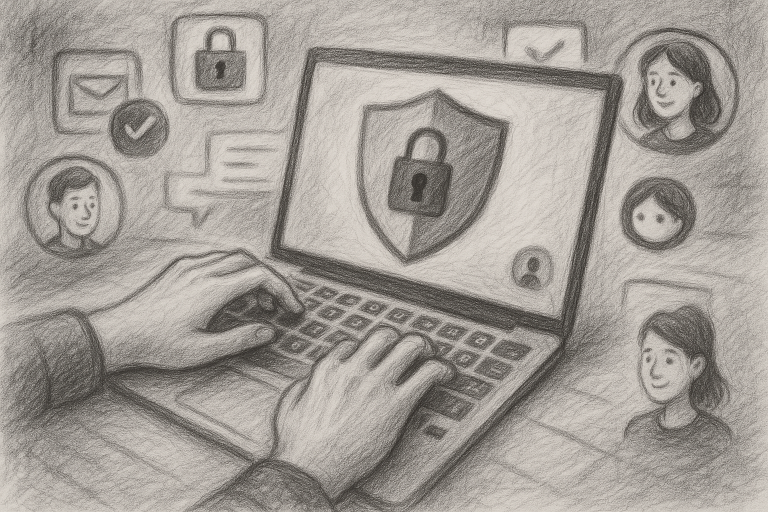
Raising teens in a digital world is like watching them navigate a vast, ever-changing city — exciting, but filled with risks you can’t always see. As a parent who’s been through the ups and downs of raising teens in the tech age, I know how overwhelming it can feel. We want to protect their privacy without standing over their shoulder 24/7. Luckily, there are simple tools and strategies you can use right now to boost online privacy protection — without making them feel like they’re living under surveillance.
1. Install a Family-Friendly VPN
Let me start with something I personally use in my household: a virtual private network, or VPN. It sounds technical, but it’s just a tool that hides your online activity from internet providers, hackers, or even snoopy third parties. For teens, this means their data is less likely to be tracked, sold, or misused while they stream, browse, or game online.
Pro tip: Opt for a VPN that offers a family plan, easy setup, and automatic connection. My son doesn’t even notice it running on his phone — and that’s exactly how I like it.
2. Use Privacy-Oriented Browsers
Browsers like Brave or Firefox offer strong built-in privacy settings that make tracking difficult. These browsers block ads, trackers, and even fingerprinting (a sneaky method sites use to collect data). As a parent, I find peace of mind knowing these tools work quietly in the background to support online privacy protection, and they don’t slow down the user experience — so your teen won’t complain.
Bonus: You can set them as default browsers on all devices. A one-time setup goes a long way.
3. Activate Built-in Parental Controls
One of the most underused privacy tools is sitting right on your teen’s device. Whether they use iPhone or Android, both offer extensive built-in parental controls that let you set screen time limits, content filters, and yes — monitor privacy settings. I’ve found it helpful to review these settings with my teen, not behind their back. It creates trust and opens the door for conversations about why privacy matters.
4. Password Managers: Teach Them Early
Remember when we used to write passwords on a sticky note? Not anymore. Apps like Bitwarden or 1Password not only keep login credentials secure, they also encourage strong password habits. Teaching your teen how to use one of these tools is a life skill — and trust me, once they realize how easy it is, they’ll thank you. Mine did (eventually).
Why it matters: Weak and reused passwords are one of the biggest threats to online privacy. Fix it before it becomes a problem.
5. Use a Digital Footprint Checker
This one surprised me — in a good way. Services like Mine or Reputation Defender can scan the internet to show what information is already out there about your teen. It’s eye-opening for them (and for us, too). Taking control of what data exists online is a positive step in learning responsibility, and it helps protect their digital identity long-term.
My tip: Make it a joint family activity. It can spark great conversations about what we post, where we post it, and how long it stays online.
Wrapping It All Up
Protecting your teen’s online privacy isn’t about fencing them in — it’s about giving them the right tools to navigate the digital world safely. As parents, we can’t control every click, but we can guide them with smart choices and real-world strategies. These tools have helped my family immensely, and I hope they’ll do the same for yours.
Want to take the next step? Visit vipsafetyfirst.com and get started today.