
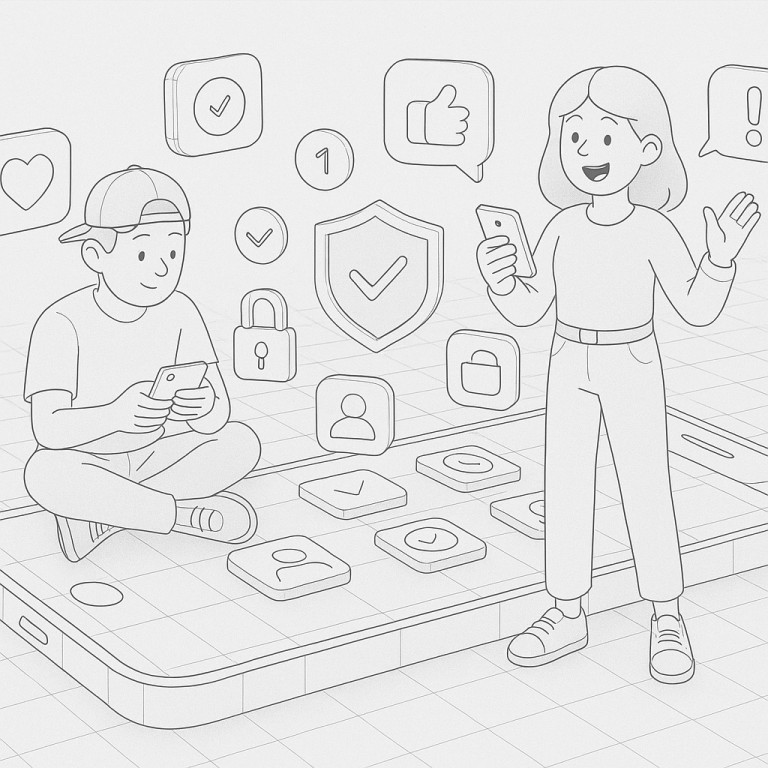
Every tap, swipe, or login connects you deeper into the digital world — and with convenience comes risk. At vipsafetyfirst.com, we know how much you rely on your apps to navigate work, social life, and everything in between. As your empathetic coach in digital identity safety, we’ve developed this interactive checklist to help you stay secure without feeling overwhelmed. Make these 10 essential safety checks a part of your weekly routine and surf the digital world with peace of mind.
✅ 1. Review App Permissions
Ask yourself: Does this app really need access to my camera or location? Go through your app settings and disable permissions that seem unnecessary. Many apps ask for more access than they actually need, putting your data at risk.
✅ 2. Update Your Apps
Outdated apps are open doors for cyber threats. Head to your app store and check for pending updates. Developers regularly fix bugs and patch security holes — staying current keeps you protected.
✅ 3. Use Two-Factor Authentication (2FA)
Enable 2FA on every app that offers it — email, banking, social media. It adds an extra layer of security that stops most hackers in their tracks, even if your password is compromised.
✅ 4. Scan for Unused or Unknown Apps
Look for any apps you don’t recognize or haven’t used in a while. These could be silently collecting data or might even be malicious. Delete anything that doesn’t feel right.
✅ 5. Check App Privacy Settings
Most people forget this step. Dive into the app’s privacy section and adjust what’s being shared about you. Set your profile to private, limit data sharing, and opt out of ad tracking where possible.
✅ 6. Clean Out Saved Passwords
It’s convenient to save passwords on your device, but it also opens doors to unauthorized access. Use a secure password manager and delete stored passwords from browsers or device memory that aren’t protected.
✅ 7. Verify App Sources
Did you download that app from an official store? Cross-check that apps come from verified developers. Avoid sideloading apps from third-party sites—it’s not worth the risk to your digital identity safety.
✅ 8. Look for Unusual Activity
Check app usage histories, login activity logs, or recent transactions if available. Spotting tiny anomalies early can prevent major breaches.
✅ 9. Test Notifications and Alerts
Ensure you’re opted in for account activity notifications. From login alerts to purchases, these can help you act fast in case of suspicious behavior.
✅ 10. Reevaluate App Necessity
If an app doesn’t add value anymore, remove it. Fewer apps mean fewer potential vulnerabilities. Be selective — your digital space is like your home, and not everyone should have a key.
With these 10 quick checks, you’ll be actively taking control of your digital identity safety every week. Think of it like brushing your teeth — small effort, big impact. You deserve to use apps with confidence, not paranoia.
Get started today — pick one or two of these checks and build from there. Need support? Visit vipsafetyfirst.com for more safety tips and trusted tools to help you stay secure in a connected world.